Design
When 3D on the Web Is Worth It (and When It Is Just Weight)
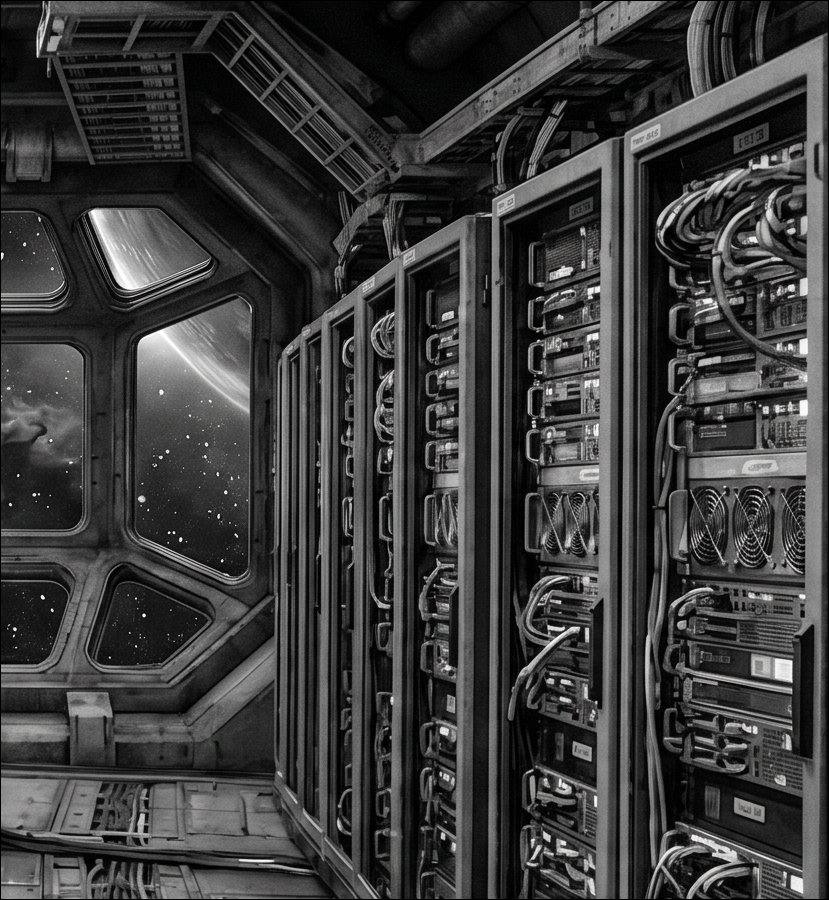
Immersive, WebGL-driven 3D sections are back in the design conversation for 2026 after a few years where flatter, faster interfaces dominated. Designers are leaning into depth, parallax, and interactive 3D elements again, moving past static hero images toward scenes users can tilt, scroll through, or drag. The trend is real, but so is the risk that made teams pull back from heavy 3D the first time around: a beautiful scene that tanks load time and locks up on a mid-range phone is a worse experience than no 3D at all.
What changed to make this viable again
Two things shifted. Browser-level WebGL and WebGPU performance has genuinely improved, and tooling around asset optimization, like compressed geometry formats and texture streaming, has matured to the point where a well-built 3D scene can load progressively instead of blocking the page. The other change is more about discipline than technology: teams doing this well in 2026 treat 3D as a single hero moment, not a pervasive layer across every section, which keeps the performance cost contained to one part of the page instead of the whole experience.
The judgment call every project needs to make
Before adding a 3D or WebGL section, it is worth asking what it is actually doing for the user that a well-crafted 2D animation could not. If the answer is genuine spatial understanding, like exploring a product from every angle or navigating a physical space, 3D earns its cost. If the answer is mostly “it looks impressive,” a lighter-weight interaction, like a scroll-triggered reveal or a cursor-tracked tilt effect, usually delivers most of the same wow factor at a fraction of the performance budget.
This is the same reasoning behind why micro-interactions like card tilt and parallax drift have become popular alongside full 3D scenes rather than instead of them: they deliver a sense of depth and responsiveness without the asset weight of a full WebGL scene, which makes them the more honest default for most sections of most sites.
Practical guardrails for shipping 3D responsibly
If a 3D hero section is worth building, a few guardrails keep it from becoming a liability. Load the 3D scene after critical content is visible, never blocking it. Provide a static fallback for devices or connections that cannot handle it gracefully, rather than showing a blank space or a spinner that never resolves. And measure the actual performance cost on a mid-range device before shipping, not just on the development machine where everything feels instant.
Depth and motion earn their place on a page when they help someone understand something faster. Everything else is just weight the page has to carry.